

Wizards Vs. Hordes Postmortem
Introduction: My first solo-developed game, Wizards Vs. Hordes, is a survival game built in Unity. The gameplay revolves around a wizard that is trying to survive as waves of enemies attempt to overtake him. Each wave completed ramps up the difficulty as more enemies join the fray each time. I focused on developing modular pooling systems, intuitive UI design, and animation driven combat.
What Went Right
Pooling Systems: I developed pooling systems for multiple components of the game. These included tiles, props, projectiles, powerups, and enemies. After several iterations, ranged enemies and the player were able to re-use projectiles without destroying and rebuilding them constantly, improving performance and reducing memory use. Three different enemy types were randomly spawned using a weighted system to control how often harder enemies would spawn. A special system was designed to ensure that tiles would always spawn outside the player’s vision to create the illusion of an endless world.
Animation and Attack Cohesion: After assigning final assets to the player and enemies, it was important to make the attack code and animations blend smoothly. Initially, they were not in sync at all. Careful manipulation of the animations and using events within the animations at precise times allowed attacks to strike only when it visually made sense for damage to occur. This involved ensuring that the attack animation had reached the point where damage should occur, as well as making sure that the player was still there at that precise moment.
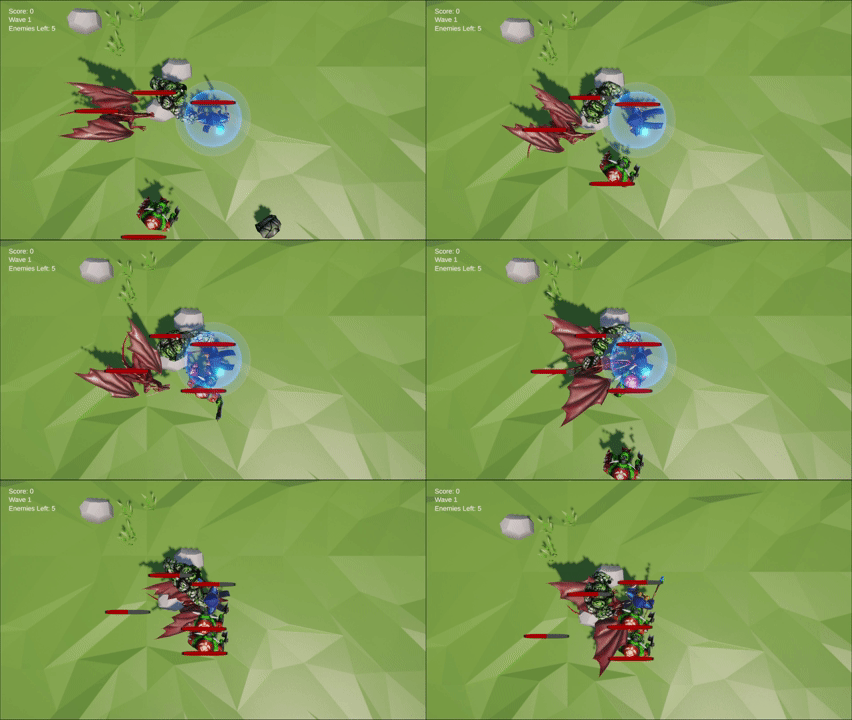
Health Systems: Every enemy and the player needed to have their own health system that tracked current and max health, as well as visual feedback to the player. Creating a health component with C# and adding it to each of the actors that needed it was simple and efficient. Child actors with widgets attached to them were created for each actor. This allowed the widget to remain fixed in the correct position above all actors using health bars for easy player tracking during play.
Intuitive UI Design: From the title screen, to play, to the game over screen, all UI elements were easy for the player to see and understand clearly. There was a clear flow of information and the ability to interact with all necessary parts easily. A game manager was developed that managed all relevant information, making it easy to update all other scripts as needed to keep everything in sync as play continued.


What Went Wrong
Props Not Spawning Regularly: Props introduced a challenge when trying to make them consistently spawn in random locations on tiles as tiles were spawned. Initially, there was difficulty getting them to attach to the tiles when they spawned. After that was solved, I ran into confusion trying to understand why only so many would spawn. Upon inspecting the pooling logic, I realized that the pools were too small, and the props were remaining parented by the tiles they first attached to instead of returning to the pool to be used again. Refactored parenting and pool release logic ensured that the props uncoupled and were available to reuse.
Player Attack Indecision: I had conflicting thoughts on how I wanted player attacks to function. Should the attacks automatically target the closest enemy? Fire in the direction the player clicked on the screen? I decided to have two attack modes, an automatic and manual mode. Automatic mode would have the player fire in the direction they are facing at a regular rate, while manual would allow them to time their attacks and fire when ready, the shots still going in the player’s forward direction. Some testers preferred the chosen method, while others had argued that player directed fire with the mouse may have been better.
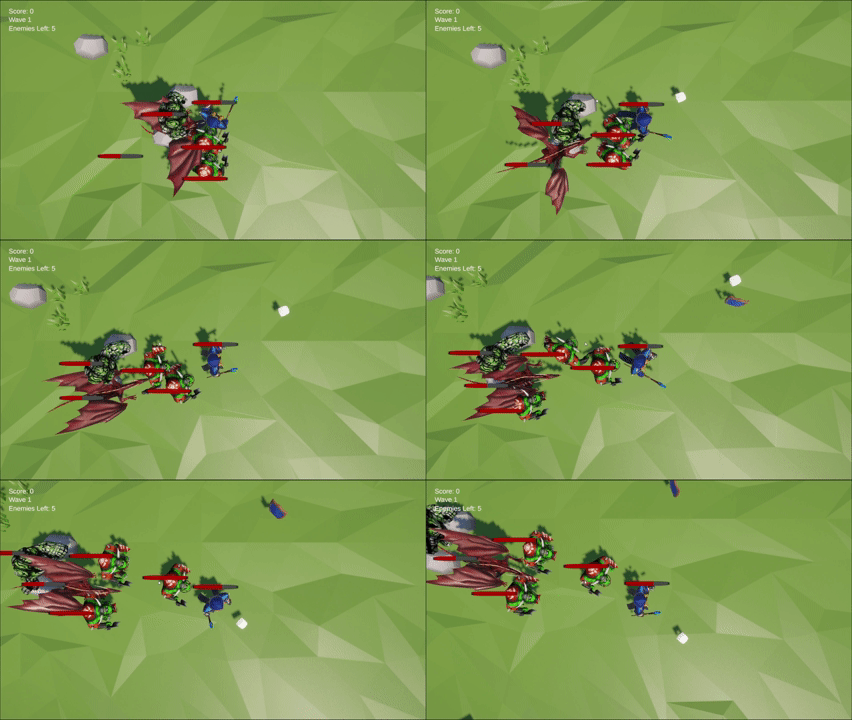
Enemies Reuse Failures: Enemies were initially being defeated and returning to the pool, but they would never be reused. Studying the code, I discovered that they were being marked as active as far as the code was concerned, even though they were deactivating properly in game. This caused them to never be available to use again after activating and deactivating the first time. Some adjustments to the pooling logic corrected this issue. It was a hard lesson in the order that code is written.
Conclusion: Wizards Vs. Hordes was my first game created using Unity, and I learned so many new skills while making it. Object pooling is a powerful tool that was tried and thoroughly put to the test with this game. The importance of attention to detail and careful planning for when things should happen and how it should look as it does was forged into my knowledge base. My debugging skills were pushed to new heights as I combed through my code to fix the errors that popped up during testing. Many choices I made about features and player interaction with the game have enforced how strongly the experience you want the player to have affects gameplay decisions.